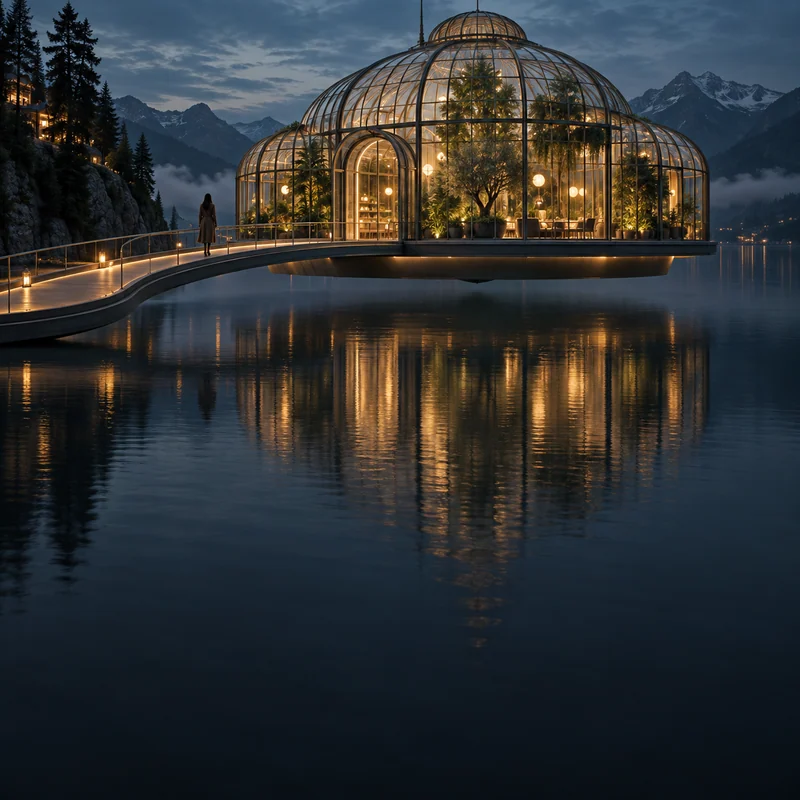
GPT Image 2.5 is an image model family for creating images from text and editing with reference photos. Both Flare and Sunburst support generation and editing; choose the balance of speed and detail that fits your task.
GPT Image 2.5 Flare — Fast everyday creation
Start with Flare when you want to explore ideas quickly. Try different product scenes, portrait styles or poster compositions, then use a reference photo to guide your next edit.
GPT Image 2.5 Sunburst — Detailed image editing
Choose Sunburst when image quality and precise changes matter most. Generate a detailed scene or work from a reference, describing the area to change and the details to preserve.
Available editing options depend on the connected service. The generator shows which models you can use with your reference photos.
Wait for the current generation to finish before switching models.
01 / THE INSPIRATION
Image ideas and prompts to try
Select an image to load its prompt, or open the full view to inspect the details. Explore the gallery and make an idea your own.
01
Portraits
Fox-eared rider after midnight
Create a photorealistic high-end cosplay fashion photograph of a 28-year-old white European woman portraying an original fox-themed futuristic bounty hunter. She sits sideways on the saddle of a cherry-red cafe-racer motorcycle on a wet city street at midnight. The motorcycle is stationary, parked securely on its side stand with the engine off. Present a real adult cosplayer wearing a beautifully crafted physical costume, with realistic skin and photographic depth.
Her character design is immediately recognizable: a shoulder-length silver-white wig with a few dark underlayers, two upright white faux-fur fox ears with charcoal tips mounted on a concealed headband, and a slim red ribbon tied into one side of her hair. Give her hazel eyes, smoky eyeliner, a small angular crimson makeup accent beside her left eye, defined cheekbones and a closed-mouth half-smile. Keep her face fully human. She looks directly into the lens with calm, self-assured confidence.
Dress her in a cropped black leather biker jacket with sculpted crimson shoulder panels over an opaque fitted crimson long-sleeve top with black geometric seams. Pair it with high-waisted black leather riding pants, a narrow red utility belt, and tall black riding boots. Keep the costume fully opaque and practical. Small brushed-metal buckles and a simple fox-shaped belt emblem make the outfit feel like a coherent character costume. Use natural adult proportions.
Her hips remain angled along the saddle while her torso turns toward the camera. Both legs extend toward the camera-facing side of the bike. Her left hand holds a plain black motorcycle helmet low beside her left thigh. Her right palm rests on the red fuel tank. Her shoulders are relaxed. Keep both hands and all contact points anatomically convincing.
Frame from mid-thigh to just above the fox ears, leaving room so neither ear is cropped. Use a camera slightly below eye level with a natural 50mm perspective. Her face, ears and jacket dominate the upper half; the red fuel tank anchors the lower half.
A soft warm storefront light from camera-left illuminates her eyes, skin and costume. A restrained cyan rim light separates the silver wig and black jacket from the dark street. Add rain beads on leather and softly defocused wet-pavement bokeh. Show believable wig fibers, sewn costume edges, textured faux fur and natural skin pores. The mood is stylish, playful and self-possessed, like a premium cosplay magazine cover without typography. No additional people, readable text, logos or watermark.
Illustration
Save-point cafe
Create an original 16-bit-inspired pixel-art game background of a welcoming little cafe at a rainy nighttime save point.
Show the cafe from a slightly elevated three-quarter exterior view. An open doorway and one broad window reveal a warm wooden counter inside. Just outside the doorway, a single cyan crystal floats above a small stone pedestal, clearly separated from the building silhouette. A traveler's backpack, rolled blanket and sheathed plain sword lean together against the sheltered wall beside the entrance.
Behind the counter, one small moss-green dragon is asleep with its head resting on its folded forelegs. Its rounded body and closed eyes should be visible through the window. An unattended ceramic mug on the counter releases a small stepped-pixel curl of steam. There are no customers in view.
Use one consistent square pixel scale, crisp stepped edges, selective dithering and a limited palette of indigo, muted plum, amber, wood brown and cyan. Construct the crystal glow and rain reflections from deliberate pixel clusters rather than smooth gradients. Let the warm cafe occupy most of the frame, with a quiet strip of dark street around it. No text, HUD, icons, logos, painted blur or watermark.
Portraits
An invitation from the vampire count
Create a photorealistic gothic fashion portrait of a handsome adult vampire count, approximately 32 years old, inviting the viewer to a private candlelit supper.
Compose a wide 2:1 landscape, 1600x800. Place the count on the right half with his face large and readable. Keep an empty velvet chair clearly visible on the left, facing him. Do not crop this as a tall portrait.
He sits beside a narrow dark-oak dining table, wearing a perfectly tailored black evening suit, a deep burgundy waistcoat and a white shirt with the top button open. He has dark swept-back hair, refined features and a composed, slightly amused expression. His gaze meets the camera. One relaxed hand rests visibly on the table; the other rests on his chair arm, with natural fingers and no theatrical claw pose.
An empty velvet chair faces him across the near side of the table, clearly waiting for a guest. Show only a simple plate, a clear crystal glass and two candles between the chairs. A tall arched window behind him admits cool moonlight that outlines his hair and shoulders, while the candles softly warm his face.
Use a three-quarter seated portrait with the count's face prominent and the empty chair visible in the foreground. Render believable skin, velvet, polished wood and subtle film grain. The mood is alluring, elegant and mysterious, with no attack or frightening action. No additional people, readable text, insignia, logos or watermark.
Illustration
Bedroom where whales pass by
Create a photorealistic architectural image of an inviting bedroom inside a transparent habitat dome on the ocean floor.
View the room from its entrance at natural standing eye level. A low oak bed with cream linen bedding occupies the lower-left foreground, with one softly glowing bedside lamp and a simple woven rug. The curved glazing spans the upper and right portions of the frame, supported by a few credible slim structural ribs. Keep the bedroom dry and comfortable, with a continuous floor and clearly sealed glass boundary.
Immediately outside the dome, one enormous humpback whale passes calmly from right to left. Its eye, head and one long pectoral fin are visible through the glass, creating an intimate sense of scale. The whale remains completely outside; water and marine life never enter the room. A few tiny luminous jellyfish drift farther away in deep blue water.
Balance warm amber interior light against cool teal ocean light. Render soft bedding folds, natural oak grain, restrained glass reflections and subtle underwater caustics. The bed must look inviting and the whale unmistakably large. Avoid crowded furniture, fisheye distortion, strong glare over the whale, people, text, logos or watermark.
Posters
Clocking out is my superpower
Design a finished vertical experimental typography poster with an acid-graphic, liquid-chrome aesthetic.
The only text is "OFF DUTY", rendered exactly once as a single headline across two stacked lines: OFF above DUTY. Make the letters enormous, bold and immediately readable. Their front faces are polished silver chrome, with slightly melted edges and crisp dark counters so the typography never becomes an illegible blob.
The headline pushes outward through one torn sheet of fluorescent lime paper laid over a deep violet background. A few curled paper edges cast believable shadows around the letters. Keep the tearing subordinate to the word shapes; it should suggest the letters breaking free of a constraint. One diagonal streak of saturated orange provides a small accent, with ample quiet space around the outer silhouette.
Combine tactile scanned-paper grain with convincing three-dimensional metal reflections. Use a hard studio key light from the upper left and restrained violet reflections in the chrome. Present the poster as a flat finished artwork filling the canvas, not a framed print or a wall mockup. No additional slogans, dates, credits, decorative microtext, logos or watermark.
Illustration
Vacancy beneath a black hole
Create a photorealistic cinematic science-fiction landscape of a small retro roadside motel on an isolated rocky shelf beneath a gigantic black hole.
Compose a wide 2:1 landscape, 1600x800. Keep the motel, pool, car and road grounded on the left two-fifths. Let the black hole and accretion glow occupy the open sky on the right and upper frame. Do not crop this as a tall poster.
The motel occupies the lower-left area: one low cream building, a few warm windows, a small rectangular swimming pool and a single red vintage sports car parked on solid ground. An empty road leads toward the motel from the lower edge. Keep the building, car and pool geometrically coherent, with a continuous supported surface rather than disconnected floating pieces.
In the upper-right sky, a vast dark circular silhouette is surrounded by a brilliant amber accretion flow, visibly bent into luminous arcs above and below the central darkness. It should read as a black hole rather than a solid planet with a flat ring. Let the pool carry a softened reflection of the bright sky, interrupted naturally by tiny ripples.
Use deep cobalt shadows, warm amber cosmic light and restrained red neon. One freestanding sign near the road displays the exact word "VACANCY" once in clearly readable uppercase letters. Leave space around the sign and black-hole silhouette. The mood is quiet, enticing and unsettling. No people, additional celestial bodies, extra signage, prices, logos or watermark.
Illustration
Capybara commute at the end of the world
Create a square surreal street photograph of one anthropomorphic capybara commuting to work during an alien arrival.
The capybara stands upright at the near edge of a pedestrian crossing, occupying the lower center of the frame. It wears a slightly rumpled beige commuter coat and carries a brown briefcase tucked under its right upper arm. Its left paw holds the handle of a clear dome umbrella. It has turned its right wrist toward its face to check a wristwatch, with an exhausted, completely unimpressed expression. Keep the paw arrangement simple and physically readable.
Beyond the red pedestrian signal, one enormous dark spacecraft hangs low between office towers. Its restrained amber lights emerge through rain and morning haze. The ship should be unmistakable in the upper background, but the capybara remains the main subject. There is no destruction or chaotic crowd: the humor is its ordinary concern in an extraordinary situation.
Use an eye-level documentary camera, muted urban colors, soft overcast light and detailed wet fur around the face. Add natural coat creases and reflections on the crossing. Preserve capybara facial anatomy within the upright character design. No speech bubbles, readable signs, brand marks, extra limbs or watermark.
Illustration
Whale waiting for the sea train
Create an original hand-drawn animated-film scene of a tiny railway platform standing above a perfectly calm, shallow sea at blue hour.
One adult traveler, about 27 years old, wears a mustard-yellow raincoat and carries a weathered brown travel bag. They stand near the right end of the platform, seen in three-quarter back view. A short, old mint-green train approaches slowly along tracks on the platform's left side. The rails continue toward a pale pink horizon, visibly separate from the platform and water.
On the opposite side of the platform, one enormous translucent blue whale floats quietly just above the sea, parallel to the train. Its gentle eye is level with the traveler, as if it is also waiting to board. Let a few softly glowing particles be visible inside its body, while keeping the head, fins and tail anatomically coherent. The traveler turns slightly toward this unexpected fellow passenger.
Use delicate linework, painted backgrounds, restrained cel shading and clear silhouettes. Warm train windows contrast with cool water; reflections stay below the objects they reflect. Keep the whale and train readable at thumbnail size. Design original clothing and vehicle details. No familiar franchise characters, station lettering, logos or watermark.
Illustration
White fox stealing the moon
Create a vertical original ink-and-mineral-color illustration on warm ivory paper: a white fox has stolen the moon.
One slender white fox stands in profile on a dark, gently curving pine branch across the lower half of the composition. Its paws rest convincingly on the branch and its long tail curves downward. The fox gently grips the upper rim of a small luminous moon disk in its mouth, as though carrying a precious round lantern. This is the only moon in the scene; the sky remains empty of any second moon.
A thin vermilion silk cord is tied to the lower rim of the moon disk and hangs loosely into the open paper below. The moon casts a delicate pale-gold wash onto the fox's muzzle, with darker ink behind the face so the white silhouette remains legible. Keep the fox and moon as the immediate focal pair.
Use varied dry-brush ink, selective mineral-blue and muted jade pigment, irregular edges and visible paper fibers. Let distant needles dissolve into a few spare marks, leaving generous untouched paper above and to the right. Avoid digital airbrushing, busy stars or uniform outlines. No calligraphy, seals, captions, borders, logos or watermark.
Product
Soft Reset plush kit
Create a premium product photograph of one original boxed plush collectible called "SOFT RESET".
The box is a compact square carton with a large clear display window on the front. Inside, one small lavender plush creature sits wrapped in an oatmeal-colored blanket, hugging a pale yellow pillow. It has two short rounded horns, tiny feet, soft embroidered sleepy eyes and a gentle, slightly overwhelmed expression. Make the creature large within the window so its face and tactile fur are immediately appealing.
A miniature cream ceramic coffee cup sits in one separate molded compartment beside it. Keep the pillow in its arms, not duplicated as another accessory. Show convincing short-pile plush, stitched seams, folded blanket fabric, cardboard edges and subtle reflections on the clear window without glare covering the face.
Photograph the entire package from a mild three-quarter front angle on a warm off-white studio surface. Use soft side lighting, delicate contact shadows and a restrained lavender, oatmeal and butter-yellow palette. Print the exact text "SOFT RESET" once on the lower front panel in large friendly sans-serif lettering. No prices, barcodes, badges, additional writing, duplicate toys, hands, logos or watermark.
Illustration
Giant orange cat over the city wall
Create an original animated-film illustration of an enormous ginger tabby cat peeking over a fortified city's outer wall.
View the scene from a cobbled street inside the city, looking slightly upward. The thick stone wall crosses the middle of the composition. Outside it, one colossal cat rests exactly two front paws on the parapet and leans its head forward to inspect the city. Its ears, curious amber eyes, pink nose and softly rounded cheeks dominate the upper half. Its body remains mostly beyond the wall, with no paws or body parts passing through the masonry.
In the lower foreground, three small adult guards in original plain navy coats have stopped and look up in astonishment. Use one guard's backward lean and another's lifted hat as simple reactions. Keep them tiny enough to establish the cat's immense scale without requiring detailed faces.
Use confident animation linework, warm painted stone, soft ginger fur shapes and a clear blue morning sky. The cat is inquisitive and gentle; the wall is intact and the city is peaceful. Frame the full cat face and both visible paws with breathing room. No franchise uniforms, familiar characters, battle damage, dialogue, text, emblems or watermark.
Product
Lava cheese burger
Create a mouthwatering square food-advertising photograph of one freshly cooked cheeseburger pulled apart at the center.
The two halves rest upright and close together on a dark ceramic plate, with a narrow visible gap revealing their cross-sections. A thick, glossy ribbon of melted cheddar bridges the gap and folds downward naturally onto the plate. It should resemble slow molten lava while remaining unmistakably edible cheese. Do not suspend the burger in midair or show hands pulling it.
Build the burger from a lightly toasted sesame brioche bun, two well-seared beef patties, cheddar, crisp lettuce, one tomato layer and a few pickle slices. Show a soft bun interior, browned meat edges, tiny beads of juice and believable vegetable texture. Keep the layers structurally aligned and the plate supporting both halves.
Use a close three-quarter tabletop view with the cut center large in the frame. Warm directional light from the upper left makes the cheese gleam; a subtle cool fill separates the dark plate from a charcoal background. Include only a few crumbs and a faint trace of natural heat. No waxy finish, excessive steam, detached ingredient layers, extra burgers, text, logos or watermark.
Illustration
Moon witch with a black cat
Design one original tarot-style art card in a refined Art Nouveau illustration style, presented straight-on as the complete printed face of the card.
At the center is a poised 30-year-old witch with long dark hair, wearing a midnight-blue velvet gown with a modest flowing neckline and delicate silver embroidery. She holds one black cat comfortably in both arms at chest level. The cat's bright amber eyes look toward the viewer while the witch glances slightly sideways, creating a quiet feeling of shared knowledge.
A large ivory moon disk sits behind her head and shoulders. Elegant gold botanical curves, iris flowers and slender stars form a symmetrical border, leaving the central faces uncluttered. Use flat ornamental shapes, expressive fine outlines and carefully controlled areas of midnight blue, ivory, black and antique gold. Suggest real gold foil only along the border and selected plant veins, with subtle warm paper texture underneath.
Place the exact text "THE MOON" once in a clear bottom title panel, using elegant uppercase serif lettering. Keep all lettering and ornaments inside the margins. No other text, numerals, extra cards, table scene, hands holding the card, logos or watermark.
Posters
Heartbreak Club
Design a square cover for an imaginary independent music album titled "AFTER YOU".
Place one translucent cherry-red acrylic heart at the center, photographed as a real small sculptural object. A clean fracture runs diagonally through it, separating two pieces by a narrow dark gap without sharp scattered shards. Warm light passes through the acrylic and spills a red patch onto the surface below. The heart remains a simple graphic symbol, not an anatomical organ.
Build a tactile collage around it using one cropped black vinyl record with a blank center label, torn charcoal paper and a small strip of exposed film with no numbers or lettering. Let the heart overlap the record, with believable layer shadows and a few imperfect cut edges. Keep the arrangement spare enough for the heart to read immediately.
Use dusty rose, deep burgundy, off-white and near-black, with subtle analog grain and slightly faded flash photography. Place the exact text "AFTER YOU" once across the lower-left area in large condensed off-white sans-serif lettering. Keep it away from the heart's fracture. No artist name, track list, extra words, logos, mockup sleeve, outer frame or watermark.
02 / THE POSSIBILITIES
What can you do with GPT Image 2.5?
Build an image from a written brief or guide an edit with reference photos. Describe the result you want, then review and refine the details.
01
Text-to-image creation
Turn a subject, setting and style into a new image.
02
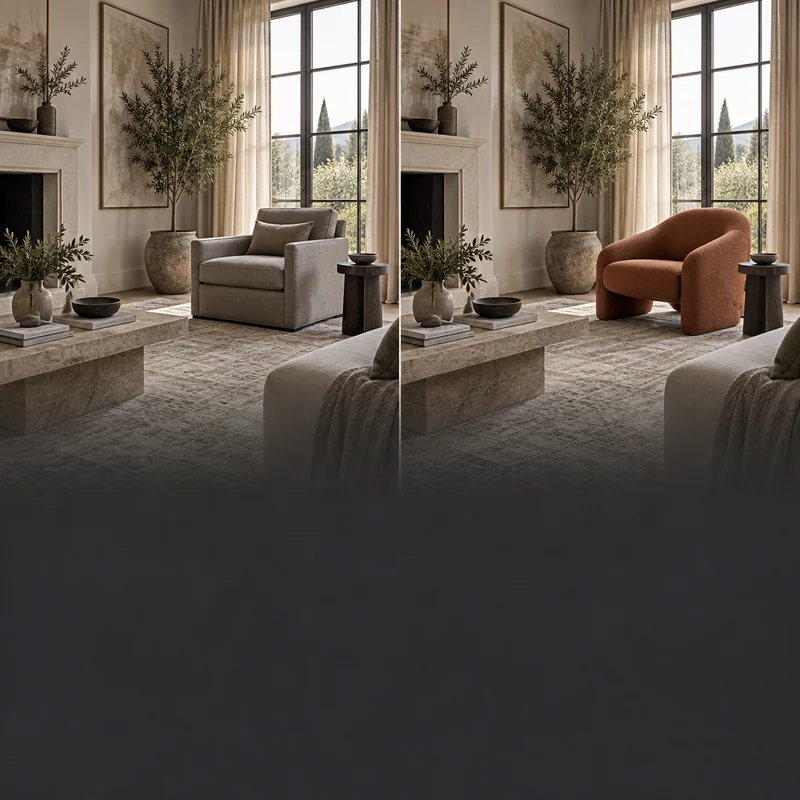
Edit with reference photos
Change a detail. Keep what matters.
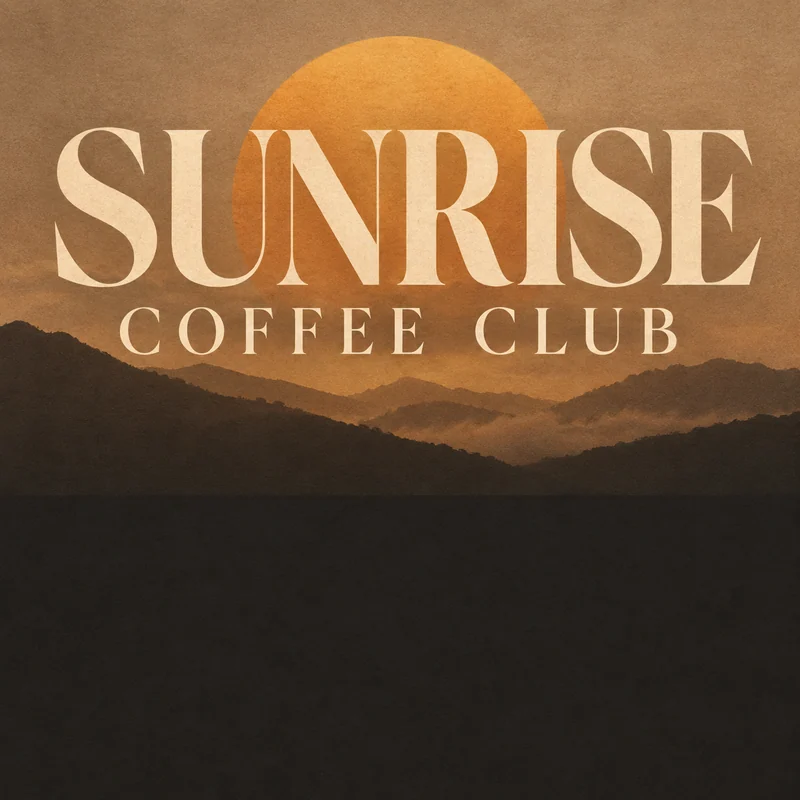
03
Text inside your images
Give your exact words a visual home.
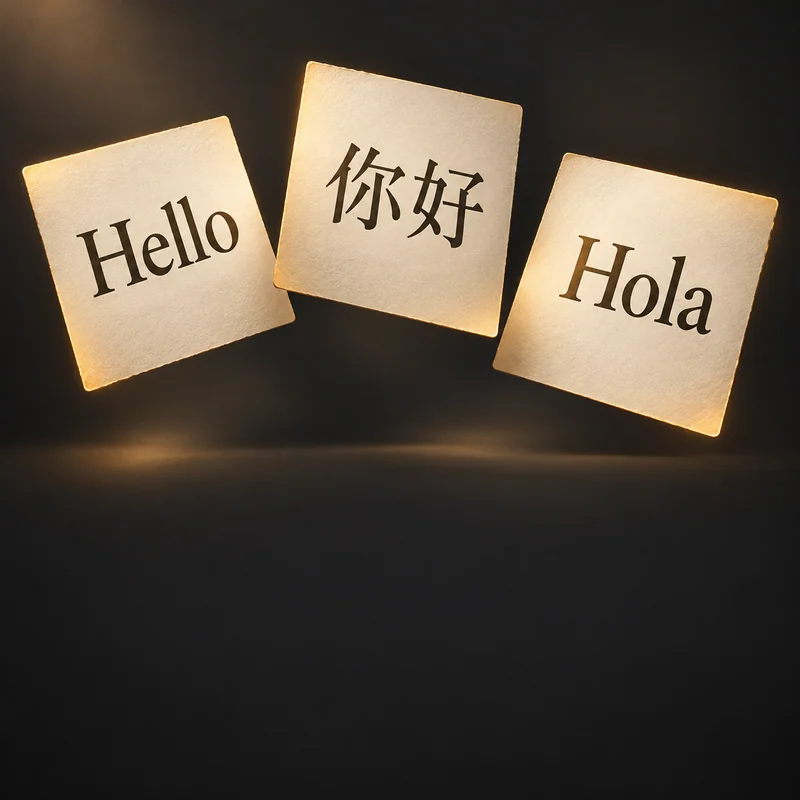
04
Design across languages
Shape your message in different languages.
05
Make information visual
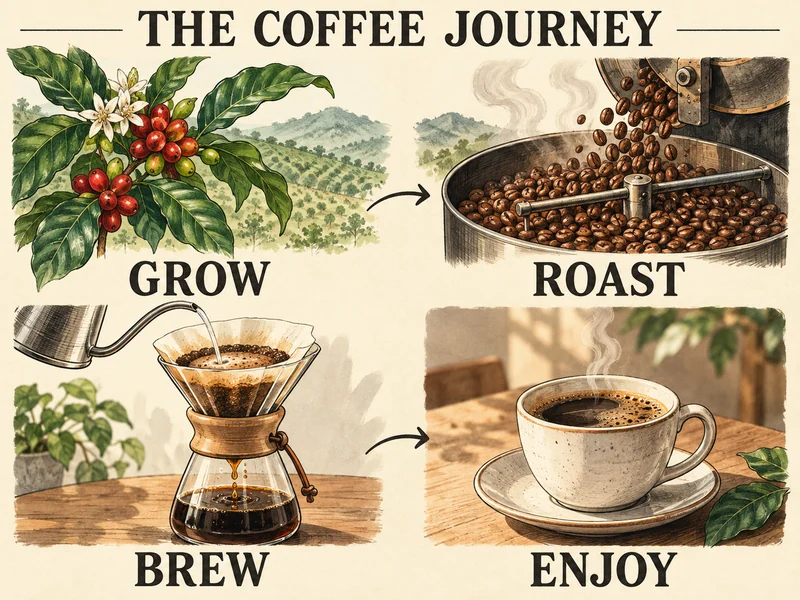
Make facts and processes easy to follow.
06
From lifelike to illustrated
Reimagine your idea in photography, watercolor or illustration.
03 / MADE FOR YOUR EVERYDAY
GPT Image 2.5 for everyday creative work
Start with the material you have and describe the result you need. These ideas show how to turn a creative brief into a focused prompt.
PRODUCT & CAMPAIGN
Product photos for your next campaign
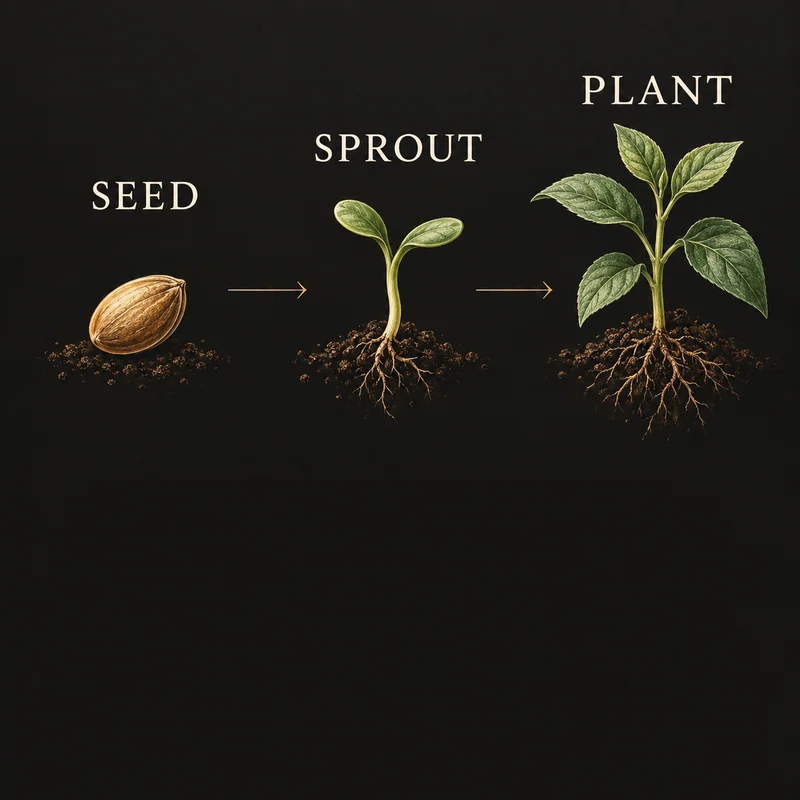
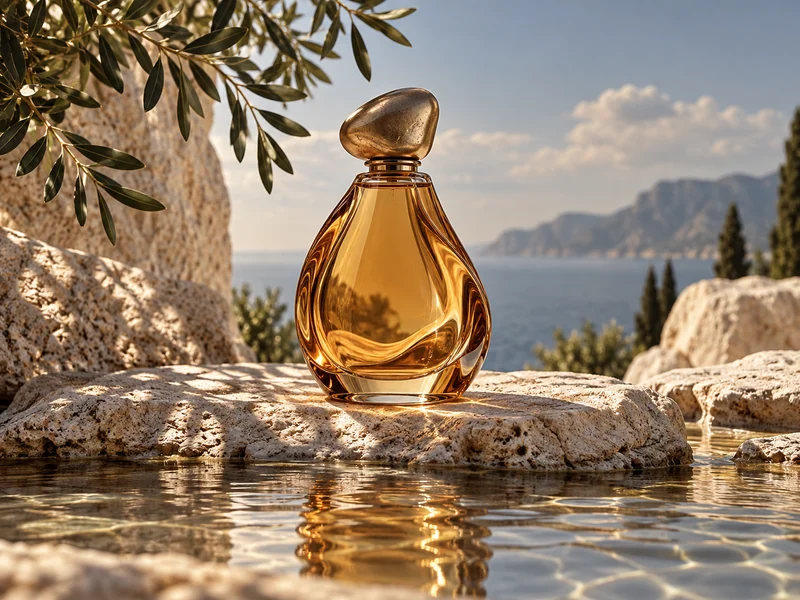
Give your product a new setting, lighting setup or campaign composition. Use a reference photo to guide the details.
01
INFORMATION & EDUCATION
Give your information a clear shape
Turn a headline, process or set of facts into a poster or infographic with a clear reading order.
02
PORTRAITS & PERSONAL STYLE
Explore a new portrait style
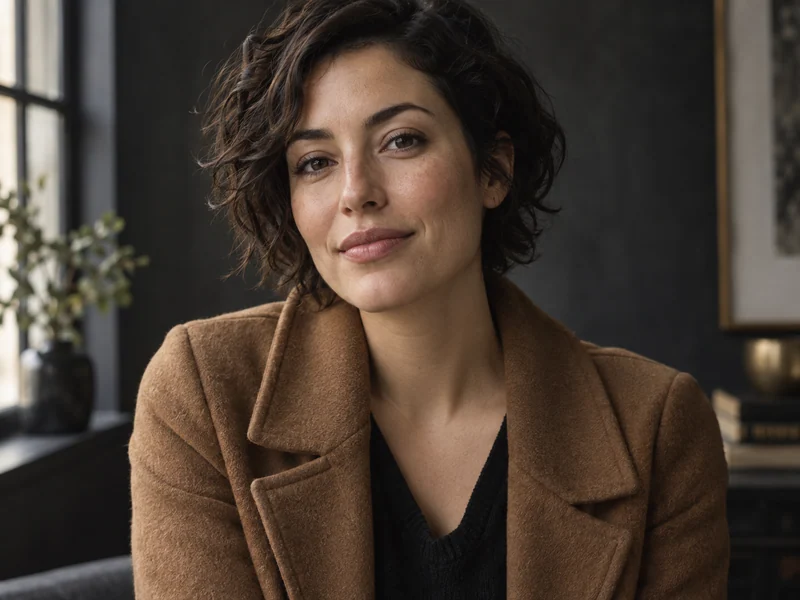
Try a different outfit, setting or artistic treatment. Use a reference portrait to guide the features you want to keep.
03
04 / YOUR FIRST IMAGE
How to use GPT Image 2.5
01
Describe your image
Start with a prompt, or add reference photos for an edit.
02
Choose and create
Pick your model and image options, then select Generate.
03
Refine and download
Review your results, download a favorite, or use it as a reference for your next edit.
MADE FOR YOUR NEXT IDEA
More ideas. Room to create.
Choose your creative rhythm. Every plan includes the same models, quality options and image tools.
Lite
For everyday sparks and personal projects.
$4.95/ month
$59.40 billed annually
9,600 credits / year
All annual credits arrive at once.
Flare & Sunburst
All quality levels, up to 4K
Image generation & editing
Auto-renews. Cancel renewal anytime. Credits expire at the end of this annual billing period.
Recommended
Pro
For a steady flow of ideas and edits.
$9.95/ month
$119.40 billed annually
21,600 credits / year
All annual credits arrive at once.
Flare & Sunburst
All quality levels, up to 4K
Image generation & editing
Auto-renews. Cancel renewal anytime. Credits expire at the end of this annual billing period.
Ultra
For ambitious projects and frequent creation.
$19.95/ month
$239.40 billed annually
48,000 credits / year
All annual credits arrive at once.
Flare & Sunburst
All quality levels, up to 4K
Image generation & editing
Auto-renews. Cancel renewal anytime. Credits expire at the end of this annual billing period.
GPT Image 2.5 is an OpenAI image model family with Flare and Sunburst variants. It supports creating images from text and editing images with reference photos. This website is an independent tool for using those models, not an official OpenAI product.
What is the difference between Flare and Sunburst?
Both models support image generation and editing. Flare prioritizes speed for everyday creation; Sunburst emphasizes quality and more precise edits. Choose for the task you have, and check the generator for editing options available through the current service.
Can I use GPT Image 2.5 for free?
Sign up to receive free trial credits and use them to try image generation. An account is required, and free use is limited to your available credits. Check your balance after signing in; this is not an unlimited free service.
Can I edit my own images?
Yes. Add up to 3 JPG, PNG or WebP reference images, each under 5 MB, and describe your changes. Choose a supported model and select Generate. References are uploaded when you generate; local files must be added again after a page refresh. If Sunburst editing is unavailable, use Flare for reference edits.
How do I write a good GPT Image 2.5 prompt?
Describe the subject, composition, lighting and style. Put any exact text in quotes and say where it should appear. For edits, name what should change and what should stay. Start with one clear request, review the result, then refine one detail at a time.
How do credits and failed generations work?
The generator shows the credit cost before you submit. Credits are reserved when a task is accepted, and confirmed failed outputs are refunded. If a task is still processing or its status is uncertain, use Check status rather than submitting it again. Your balance appears after you sign in.
✳
Create your next image with GPT Image 2.5
Bring your own prompt or start from an idea above. Choose a model and make the image your own.